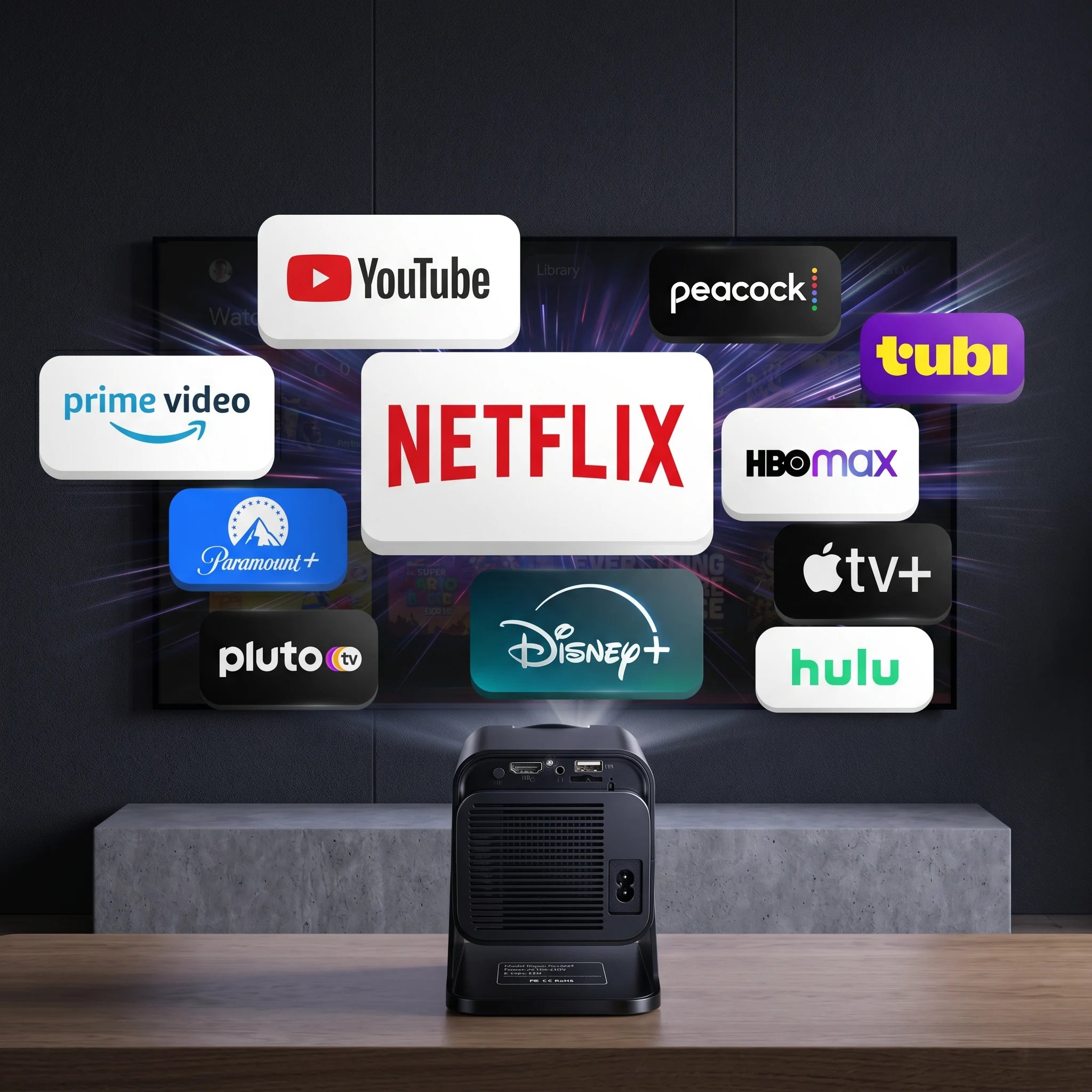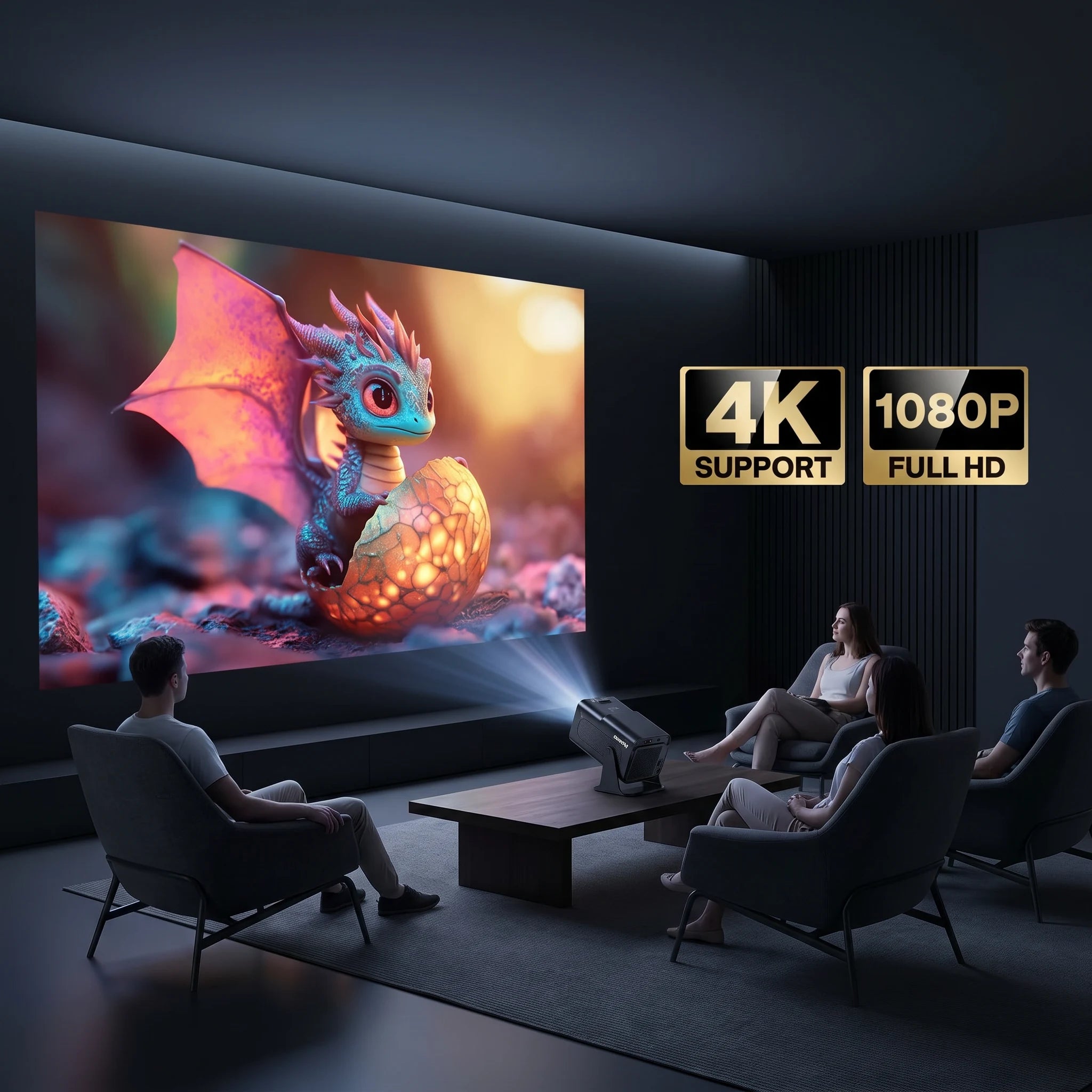

Turn Any Space Into a Private Cinema
From your bedroom to the outdoors — enjoy a true big-screen experience wherever you are.
 World Cup Sale — Up to 56% Off
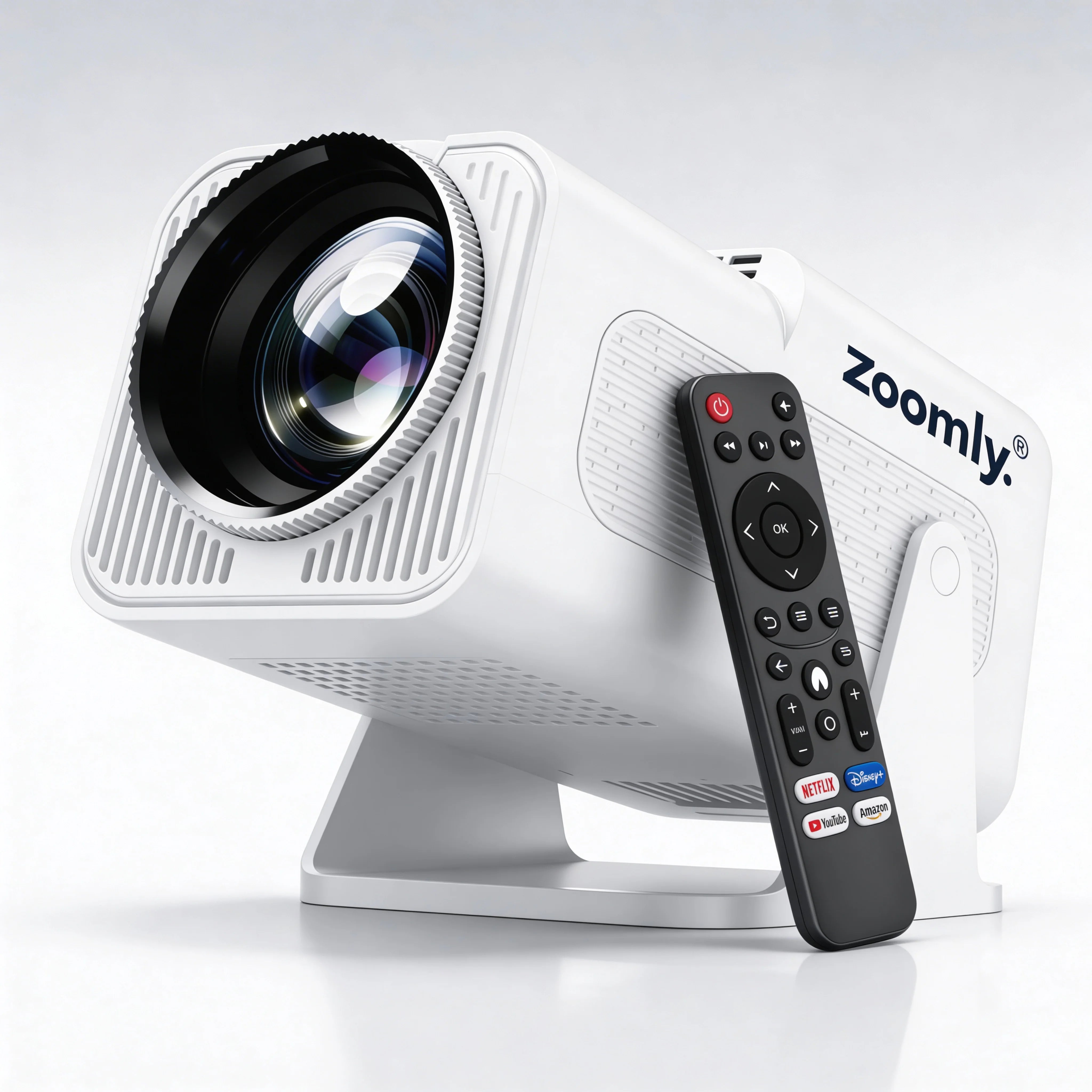
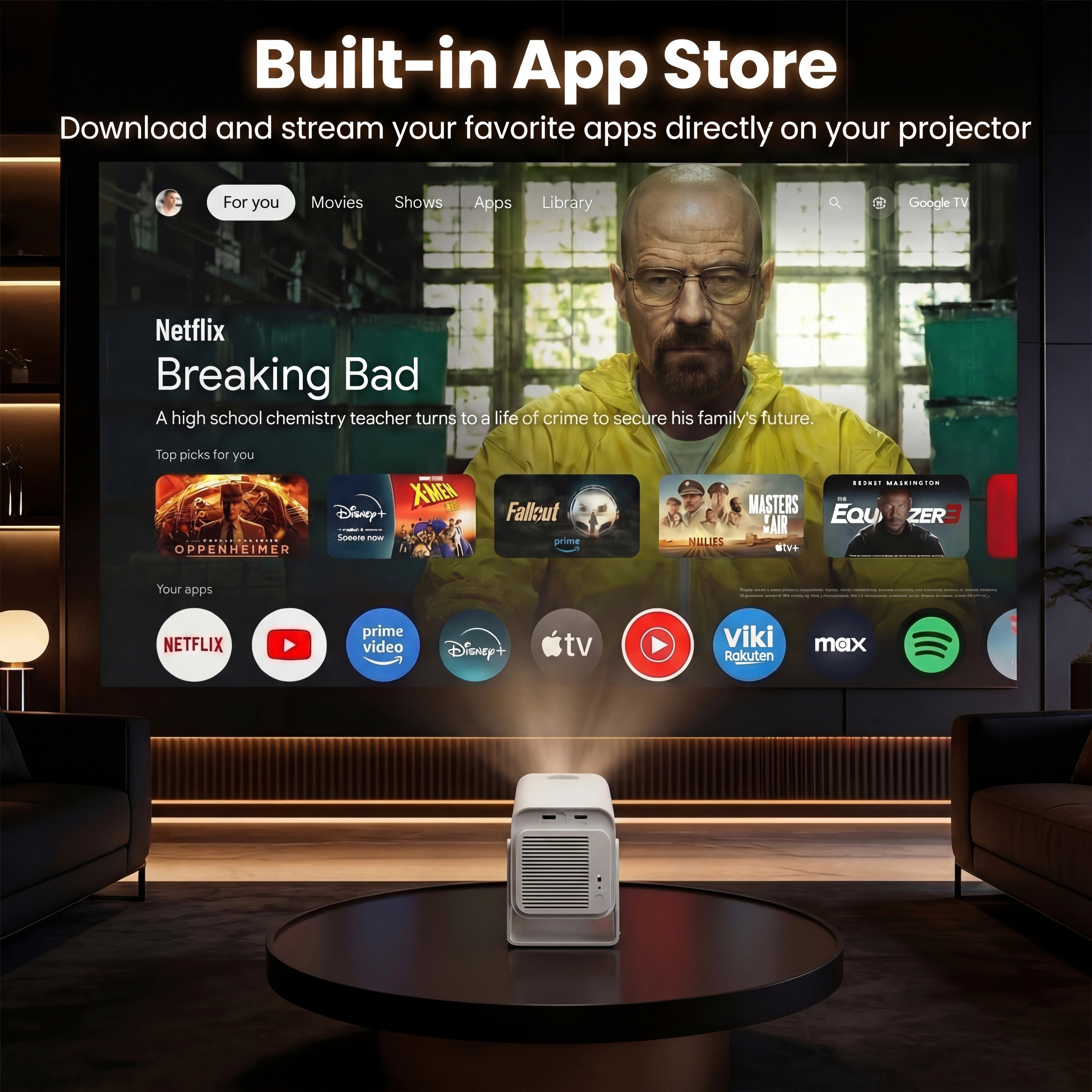
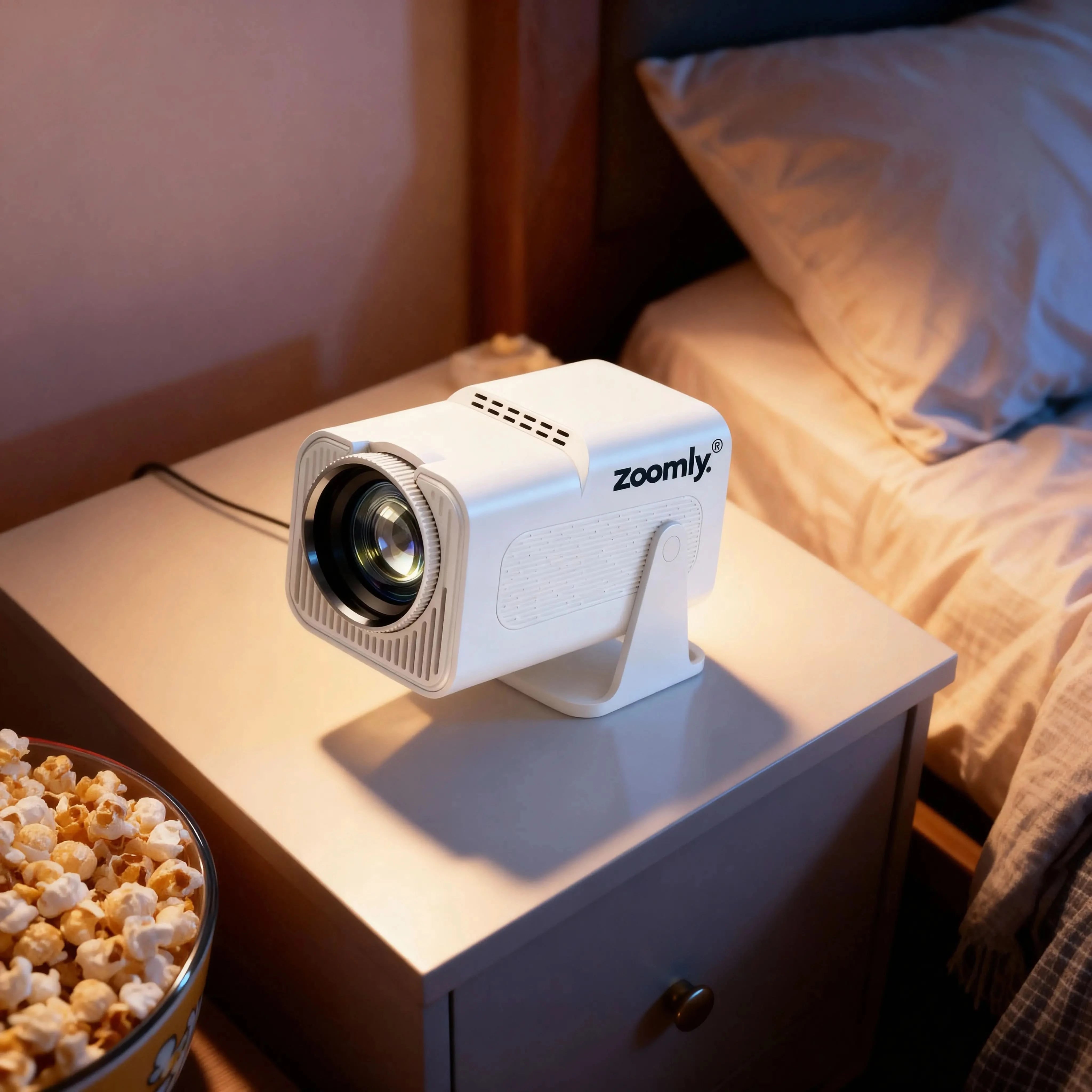
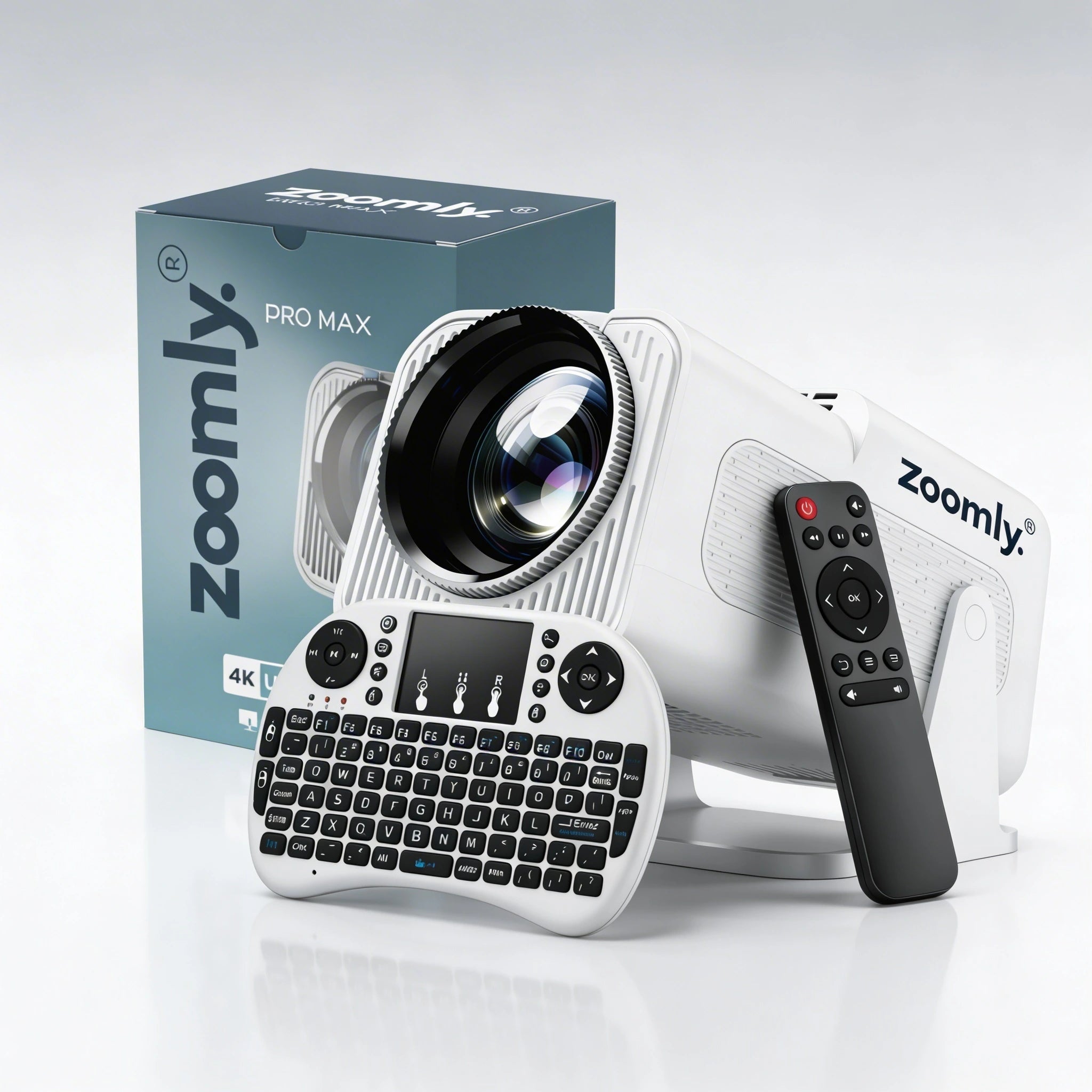
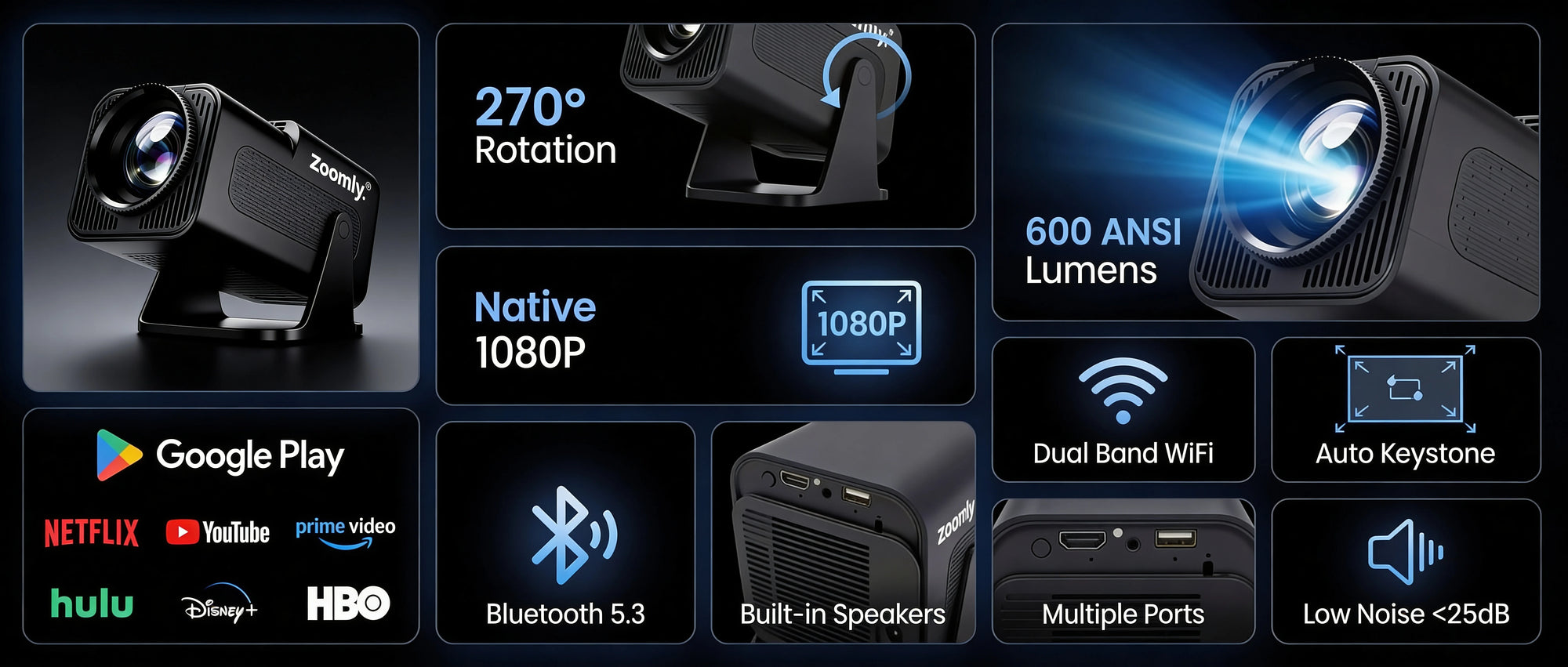
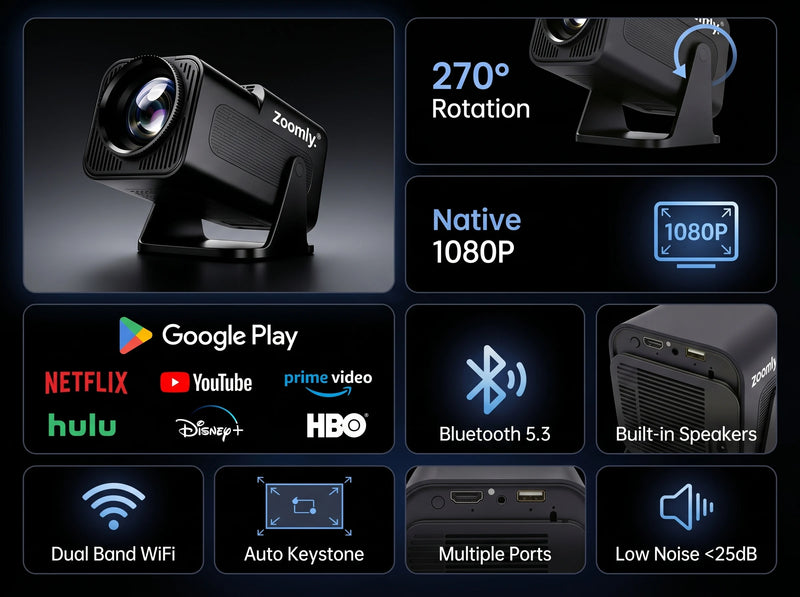
Compact design. Cinematic experience.


🧠 System & Performance
🎥 Optical & Projection
🔊 Audio
🔌 Connectivity & Ports
📏 Size & Weight
⚡ Power
We are so confident that you will love our products as much as we do. That’s why we offer a 100% risk-free money-back guarantee.
If you are not completely satisfied with your Zoomly projector, you can return it within 60 days of purchase for a full refund — no questions asked.
Side by side comparison
Blurry images, lag, weak brightness — that’s what you get with cheap copies.
Zoomly delivers the performance you actually expect.

Fake

Authentic
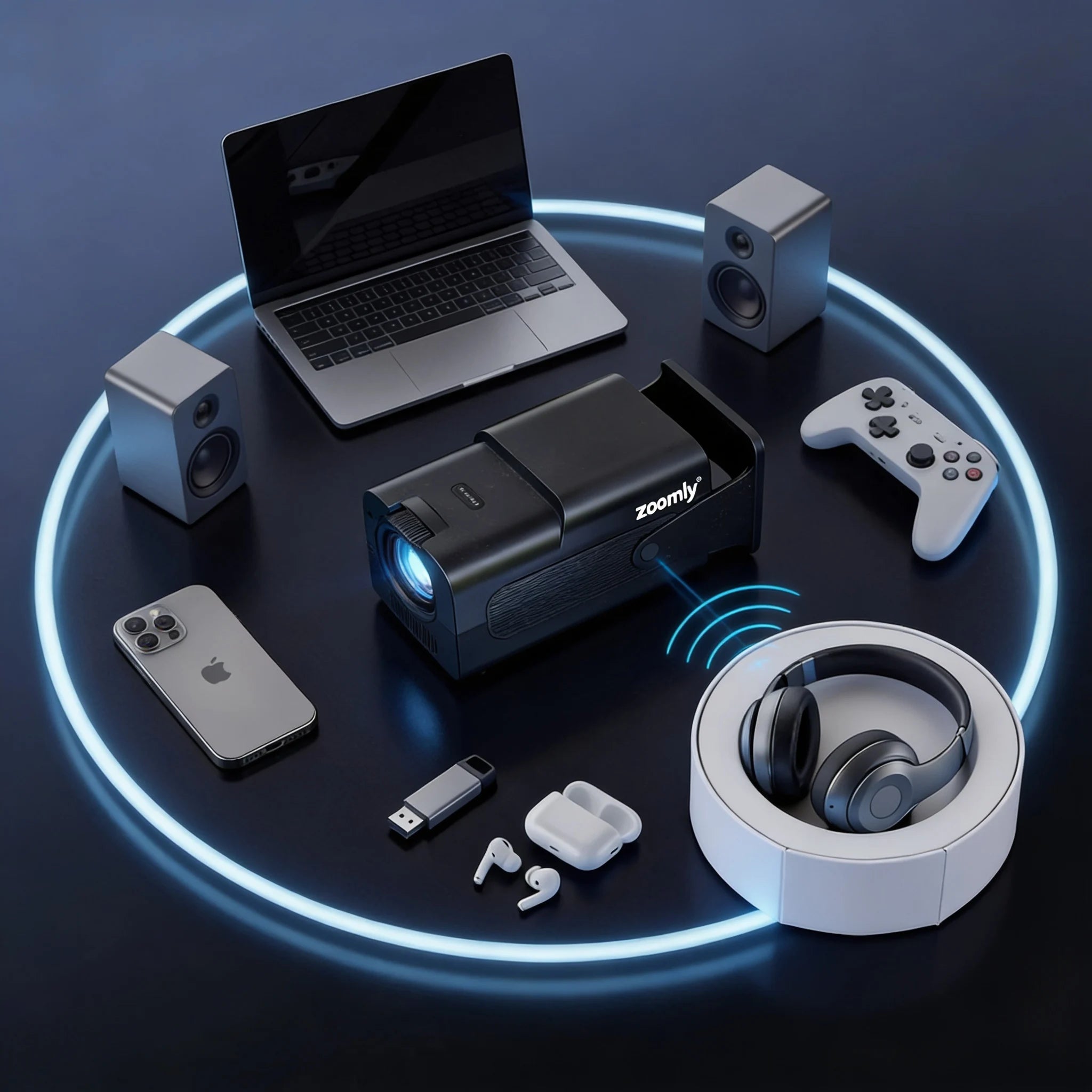
Audio
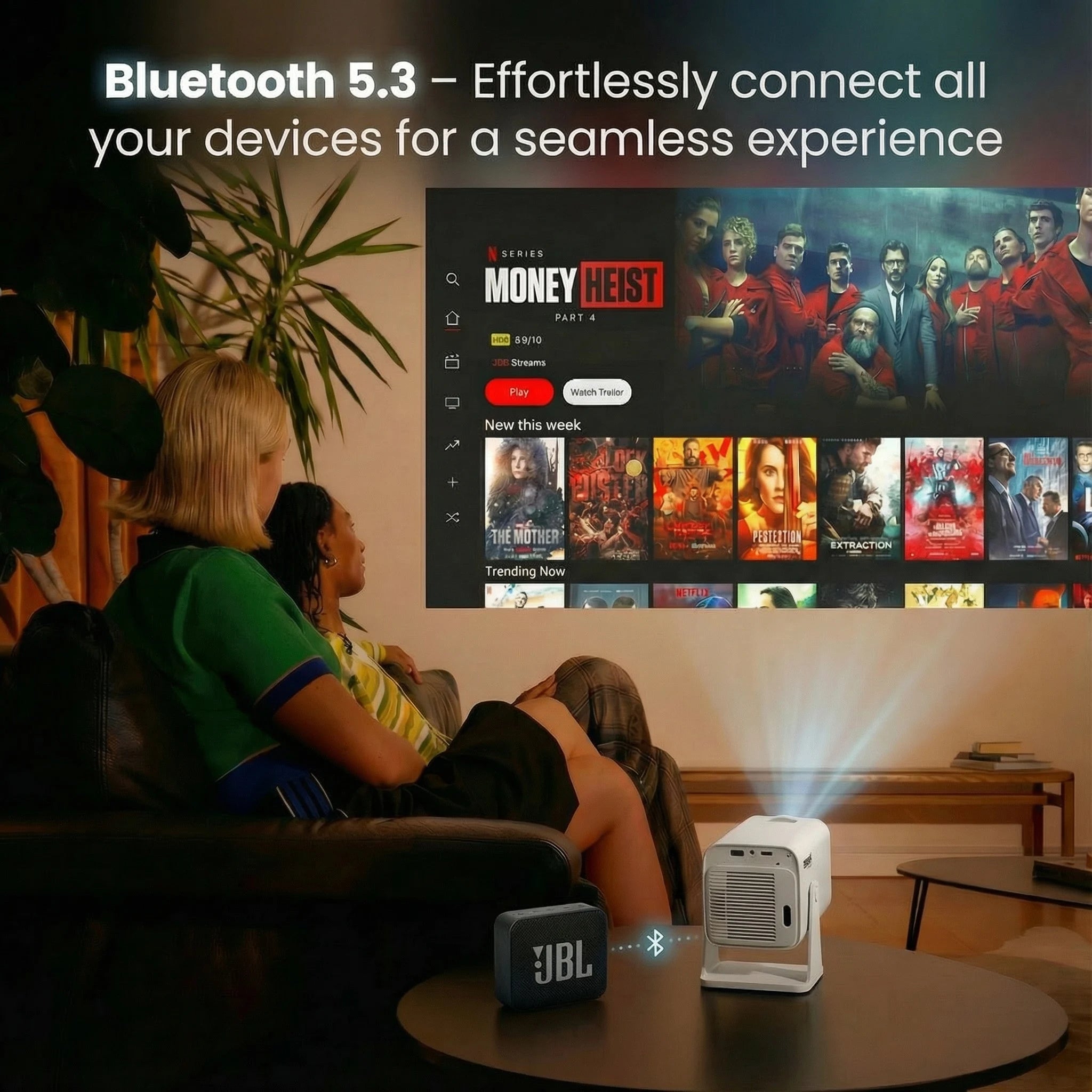
Connect any Bluetooth audio device in seconds — headphones, speakers, soundbars.
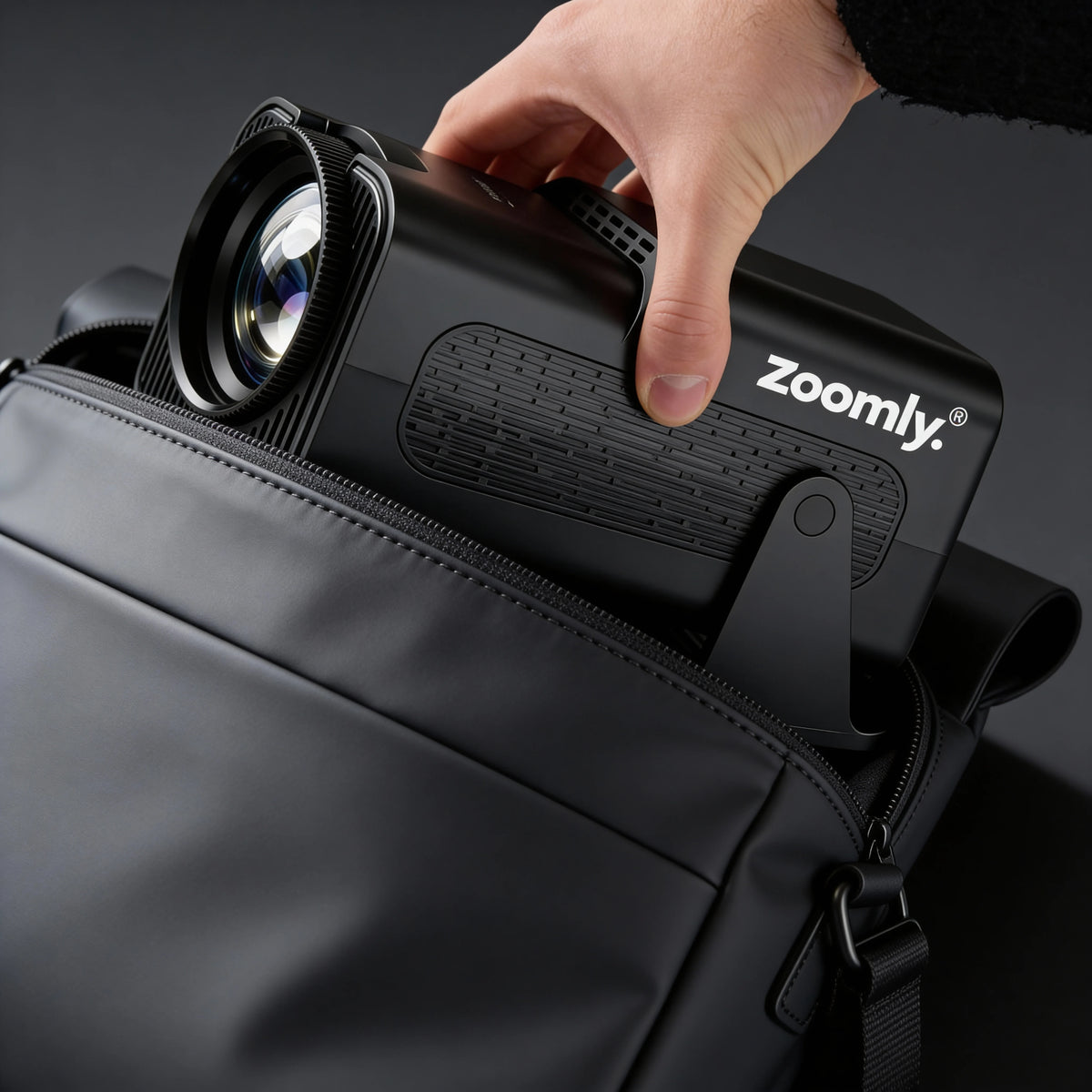
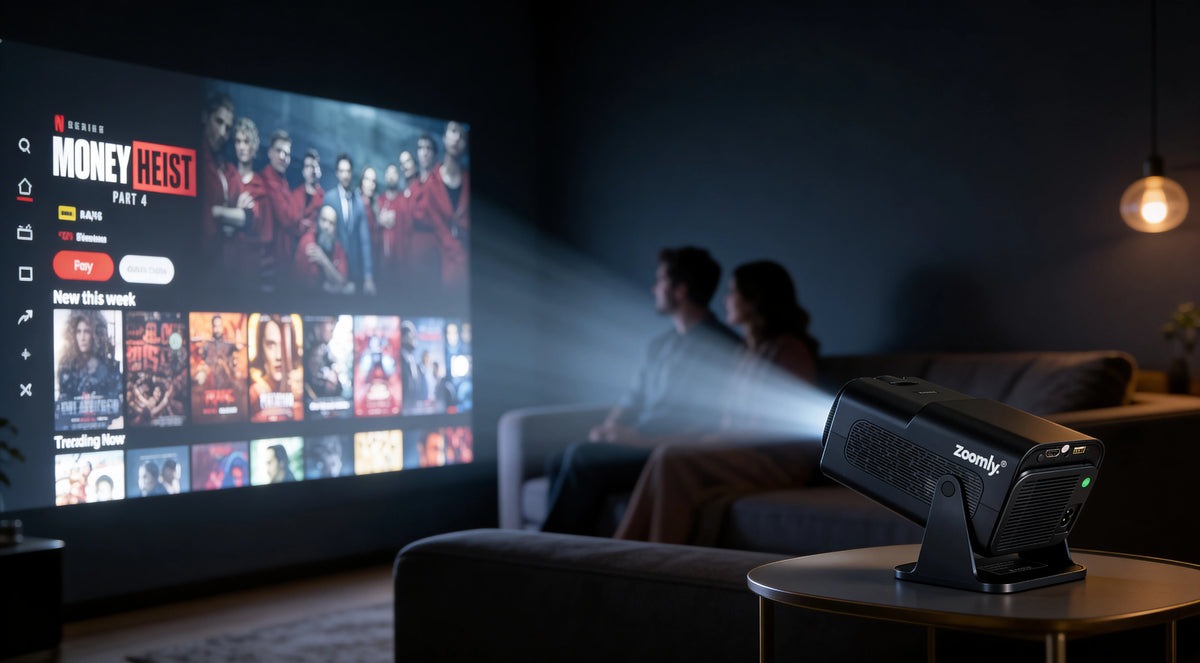
Light enough to move from room to room. Plug it in, the image auto-focuses, you're watching. No mounting required, no cable mess — premium cinema, anywhere in your home.


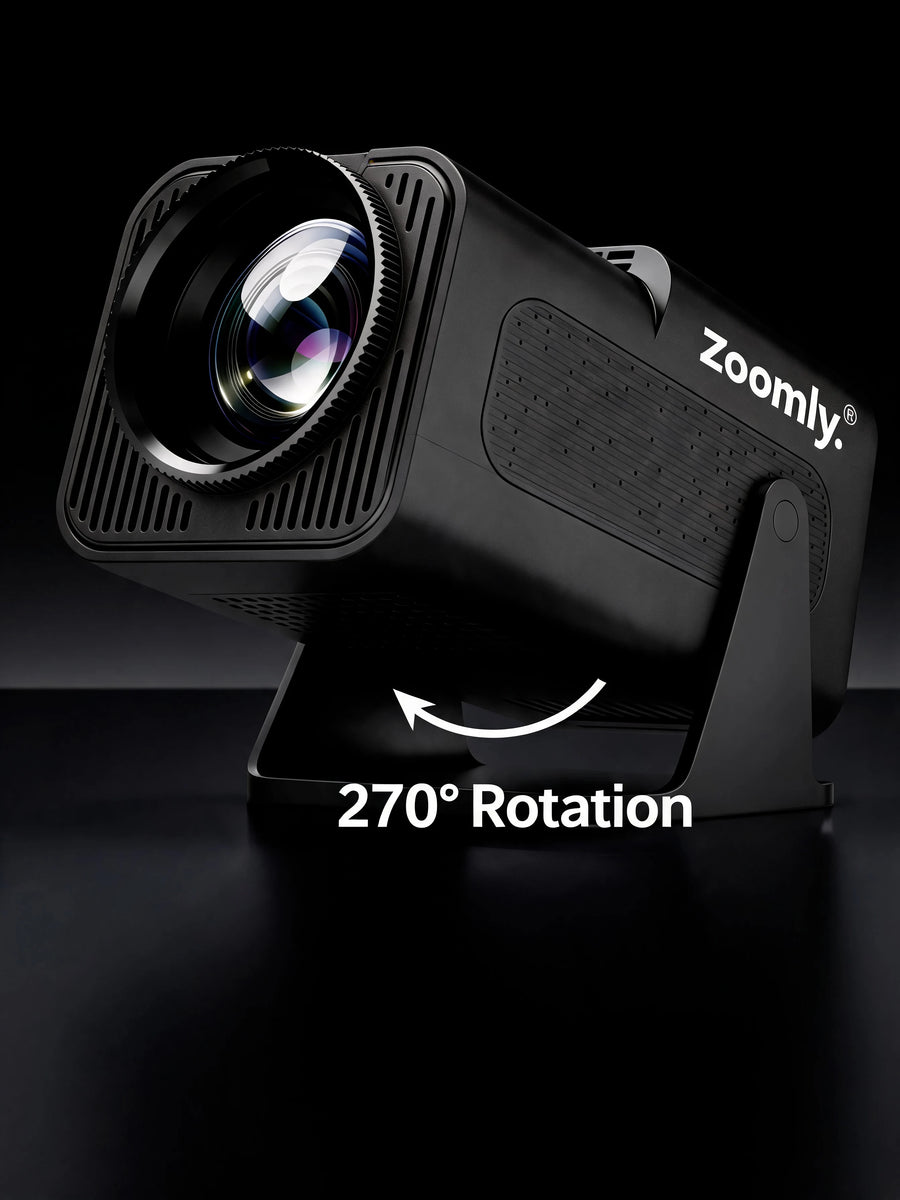
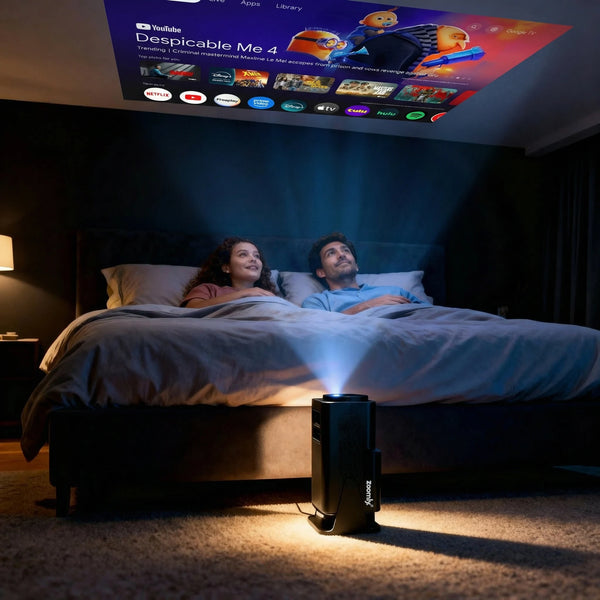
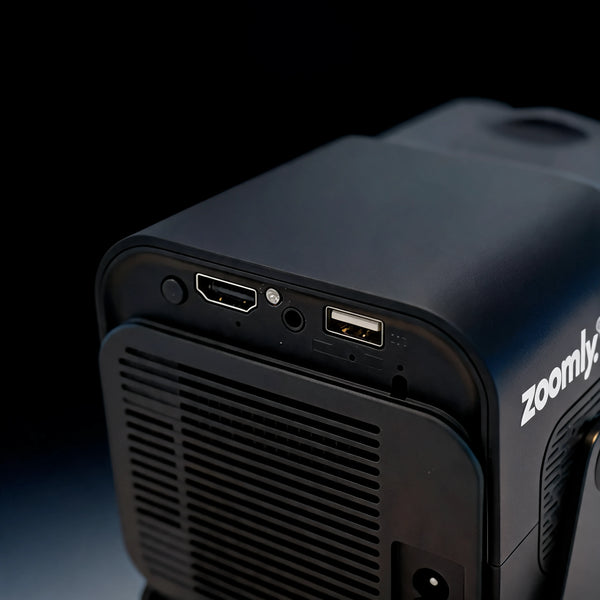
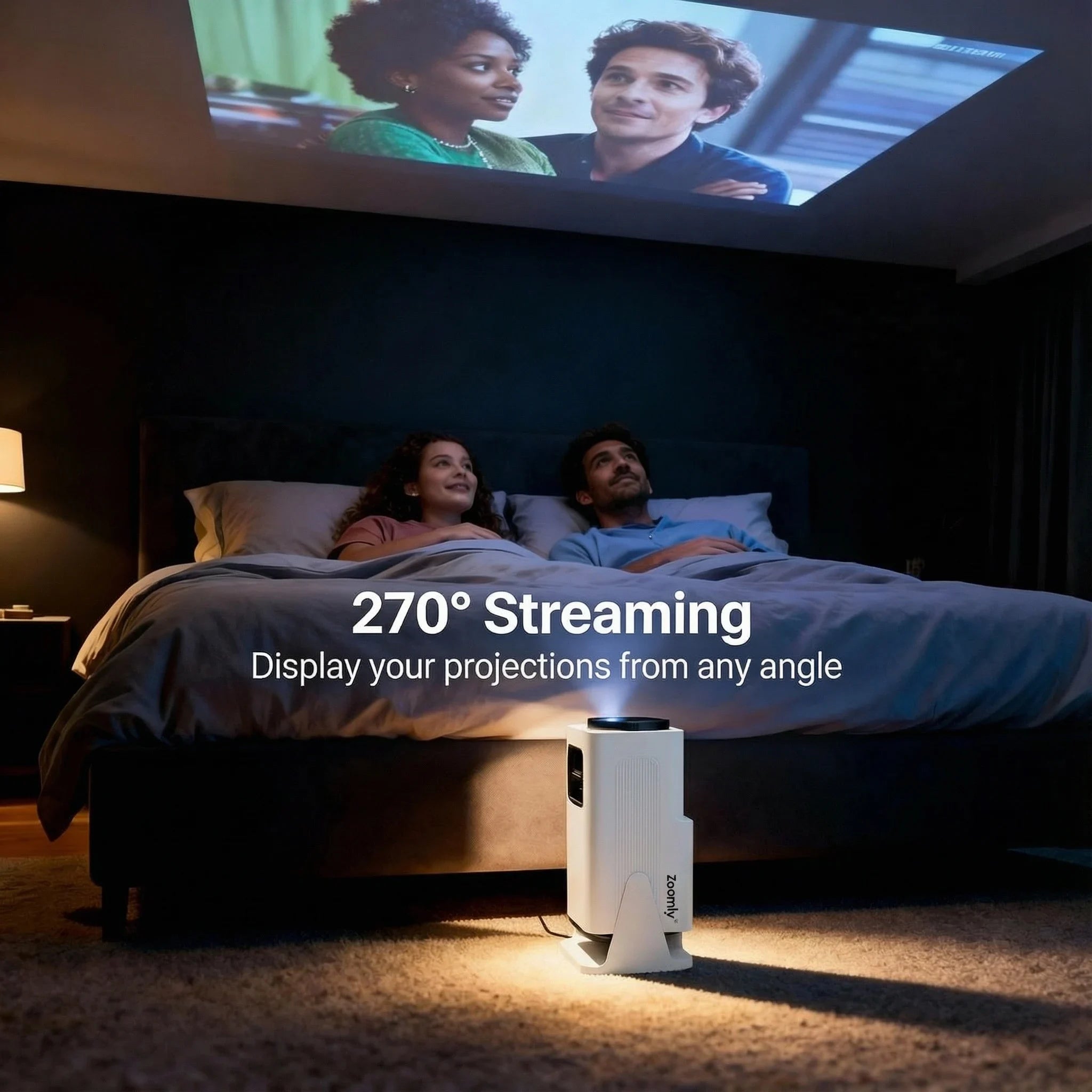
Living room movie nights. Bedroom binges. Kids' rooms, garden screenings. Pro Max projects 40" to 200" on any flat surface — wall, ceiling, sheet, screen. Place it down, power on, watch.
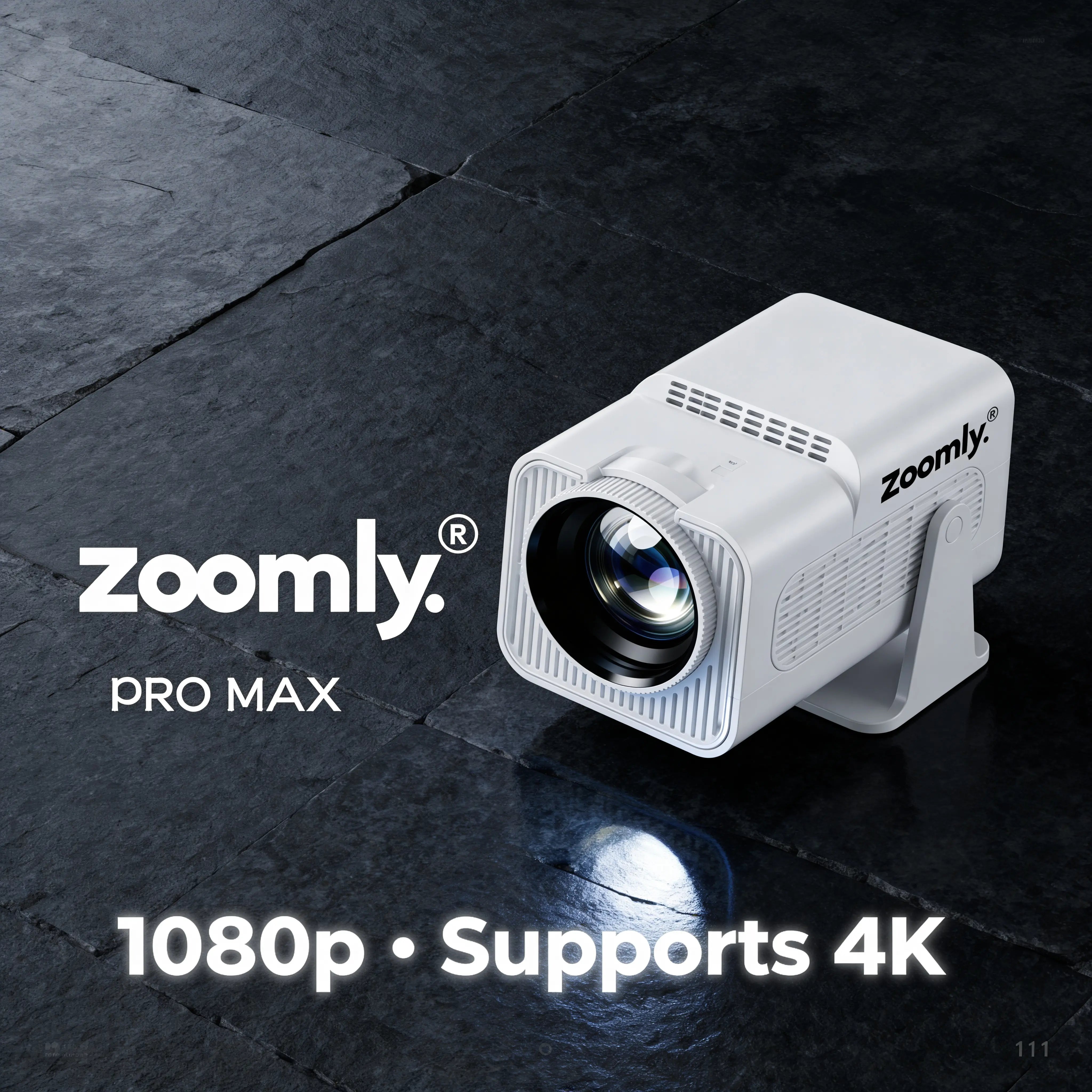
Native Full HD 1920×1080 — every frame sharp, every detail clean. 600 ANSI lumens for vivid colour. 4K input supported for high-bitrate streams. The picture you'd expect from a projector twice the price.
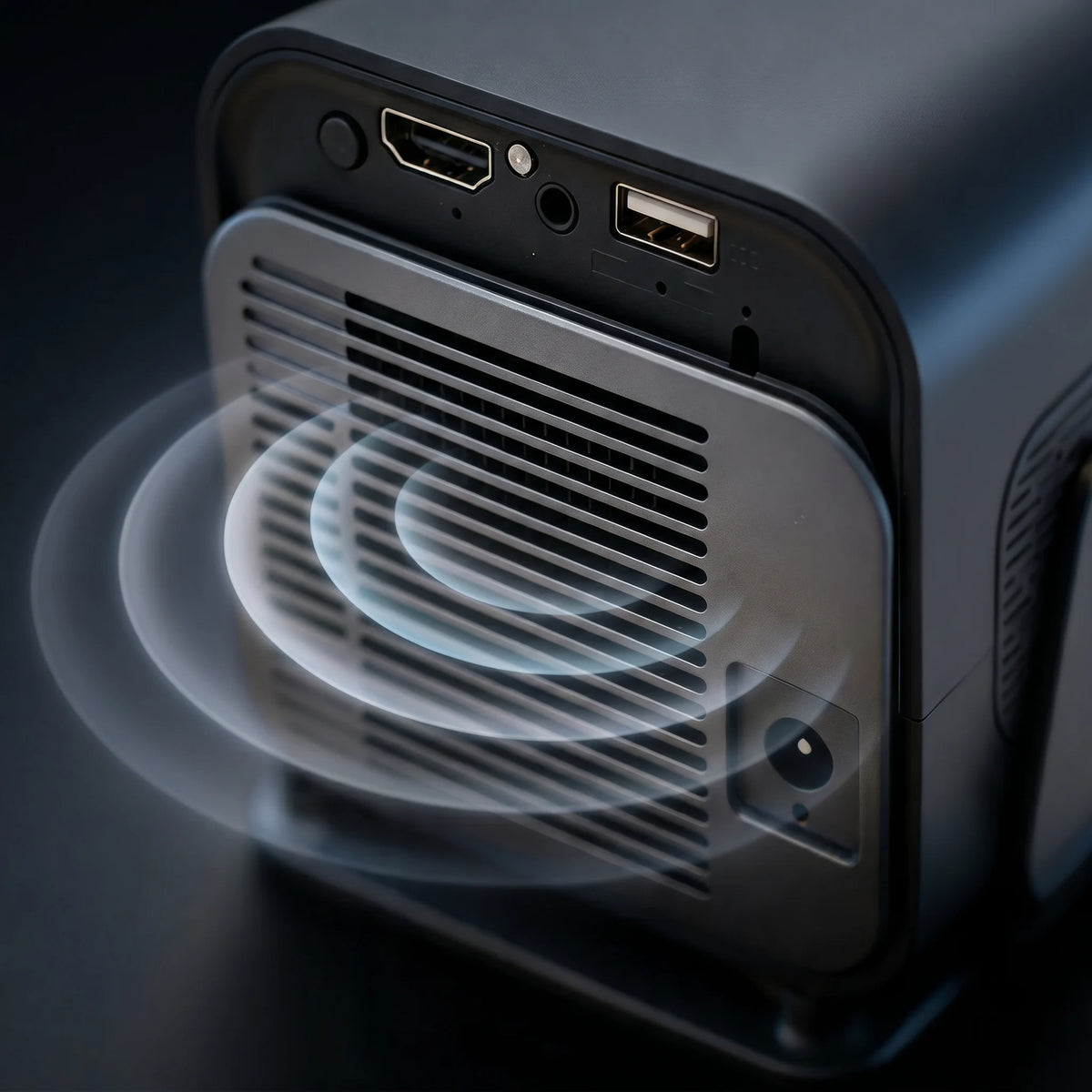
Stereo speakers with enough output to fill a bedroom or backyard. For more, connect a Bluetooth speaker, soundbar, or headphones. Audio works the moment you press play — nothing extra to set up.
Each Zoomly® Pro MAX package includes:
Limited-time :
Everything you need to get started right away.
No. The Zoomly® Pro MAX does not have a built-in battery and needs to be connected to a power source during use. This ensures stable performance and consistent brightness.
Setup only takes a few minutes.
Yes. You can watch content without Wi-Fi by:
Wi-Fi is only required for streaming apps and wireless features.
Make sure both devices are connected to the same Wi-Fi network.
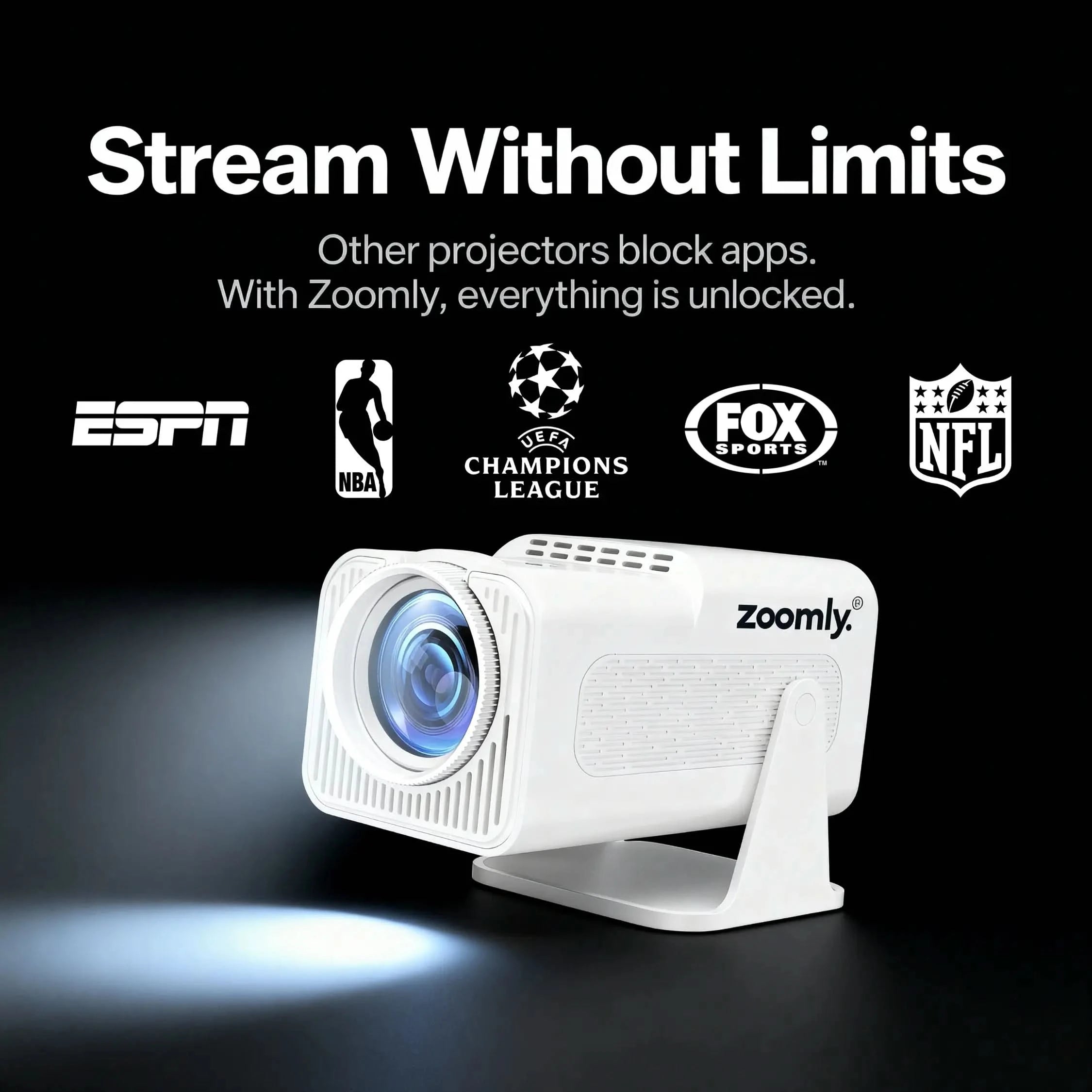
Yes. The Zoomly® Pro MAX already comes with built-in smart features, so a streaming stick is not required for most users.
However, if you prefer using your own streaming device, you can simply plug it into the HDMI port and select the HDMI input. The Zoomly® Pro MAX works seamlessly with external streaming devices.
Yes. The Zoomly® Pro MAX supports Bluetooth audio devices.
Go to Settings → Bluetooth, pair your device, and enjoy enhanced sound.
Yes. In the system settings you can select your preferred default input, such as HDMI, so it starts automatically after booting.
Use the manual focus ring on the projector to fine-tune image sharpness until the picture is clear.
Go to Settings → Keystone Correction and adjust the image alignment horizontally to straighten the picture.
Brightness settings can be adjusted in the projector’s display settings to match your room lighting.
Yes. Rear projection can be enabled in the display settings.
No separate stand is needed. The projector has a built-in adjustable base that allows you to rotate it up to 270°, so you can easily project on walls or even the ceiling.
Yes. The Zoomly® Pro MAX comes with a 1-year warranty.
If you experience any issues, our support team is ready to help.
If you have any questions, you are always welcome to contact us. We'll get back to you as soon as possible, within 24 hours on weekdays.
Shipping Information
Shipping usually takes 3–8 business days.
You’ll receive tracking details once your order is shipped.
Customer Support
Our support team is available to assist you with any questions or concerns.
FAQ’s
Browse our FAQ page for answers to common questions about our products.
Contact Us
Use our contact page to reach out to us directly for support.