

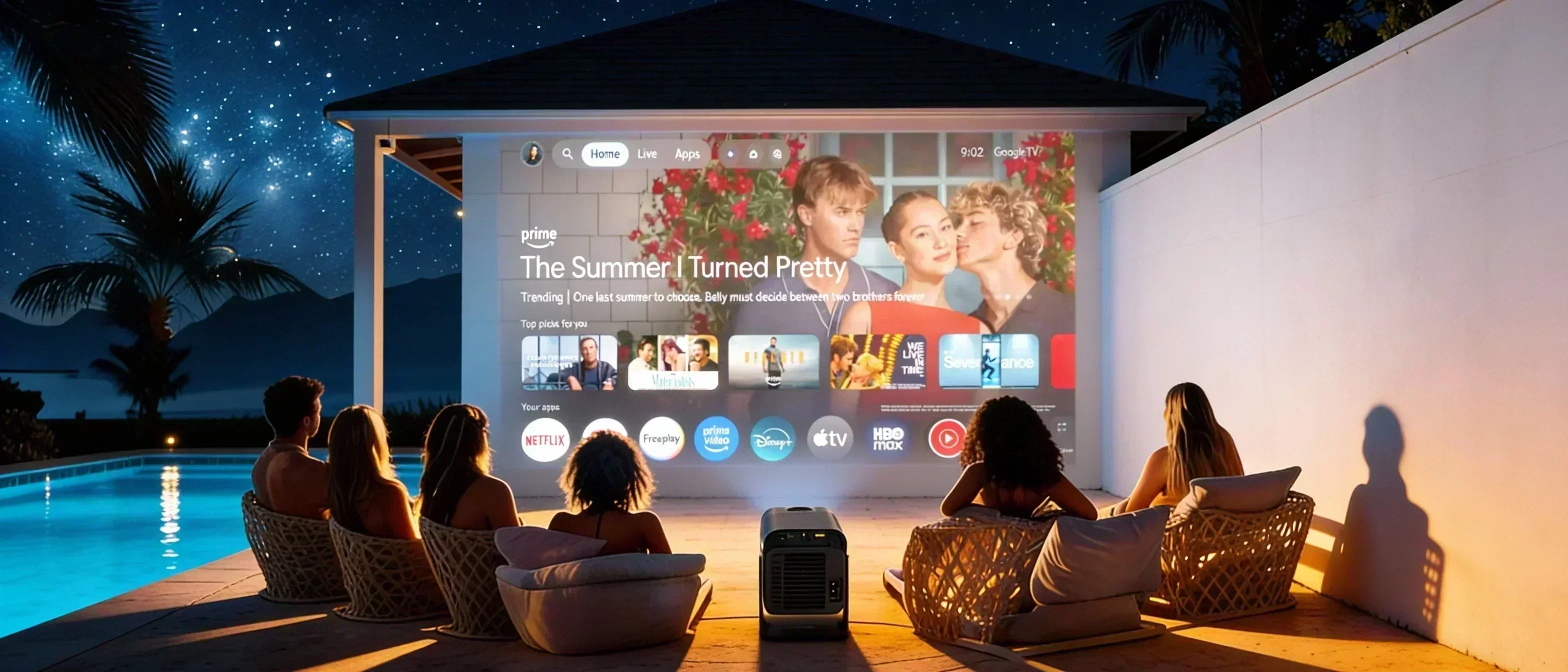
If you've ever set up a projector and noticed the image looks slightly off — wider at the top or narrower at the bottom — you've already experienced what’s called "keystone distortion."
It might sound technical, but it’s actually one of the most important things that affects how good your viewing experience feels. That’s where auto keystone comes in — a feature that instantly fixes these distortions so your image looks perfectly aligned, without any effort.
What Is Keystone Distortion?
Keystone distortion happens when your projector isn’t positioned perfectly straight in front of your wall or screen. Instead of a clean rectangular image, you’ll see a skewed shape — often wider on one side than the other.
This is extremely common. Whether your projector is placed on a table, mounted to the ceiling, or set up at an angle in a bedroom or living room, even a small tilt can cause noticeable distortion.
And while it might seem minor at first, once you start watching movies or shows, it becomes very distracting. Faces look stretched, objects appear uneven, and the entire experience feels off.
The Zoomly Pro MAX is designed to eliminate this completely with omni-directional auto keystone and autofocus — so your image always looks perfectly aligned, no matter where you place it.

How Auto Keystone Works
Auto Keystone uses built-in sensors and smart software to detect the angle of your projector relative to the surface you're projecting onto.
As soon as it detects that the image is distorted, it automatically adjusts the shape digitally — correcting the angles and restoring a perfectly rectangular image in seconds.
No manual adjustments, no trial and error, no frustration. Just turn it on and it works.
Why Auto Keystone Makes a Big Difference
Without auto keystone, setting up a projector can be surprisingly frustrating. You often have to reposition the device multiple times or manually tweak settings to get the image right.
With auto keystone, that entire process disappears. It’s faster, easier, and far more consistent — especially if you move your projector around frequently.
- Instant Setup: Get a perfectly aligned image within seconds.
- Better Viewing Experience: No distortion, no distractions — just a clean image.
- Flexible Placement: Place your projector wherever you want without worrying about angles.
When Do You Need Keystone Correction?
In reality — almost always.
Unless your projector is positioned perfectly straight and centered (which is rare), some level of distortion will occur. This is especially true in bedrooms, apartments, or portable setups where flexibility matters more than precision placement.
That’s why auto keystone has become a must-have feature in modern projectors. It removes one of the biggest setup frustrations and ensures your image looks right every time.
Final Thoughts
Auto Keystone isn’t just a small technical feature — it’s something that directly impacts how enjoyable and effortless your projector experience is.
If you want a setup that just works, without constantly adjusting angles or fixing distorted images, choosing a projector with reliable auto keystone makes all the difference.
For anyone looking for convenience, flexibility, and a clean viewing experience, it’s a feature you don’t want to miss.

Share: